Can you record IPTV?
 By Yanis Moreau, IPTV & Streaming Editor Last updated
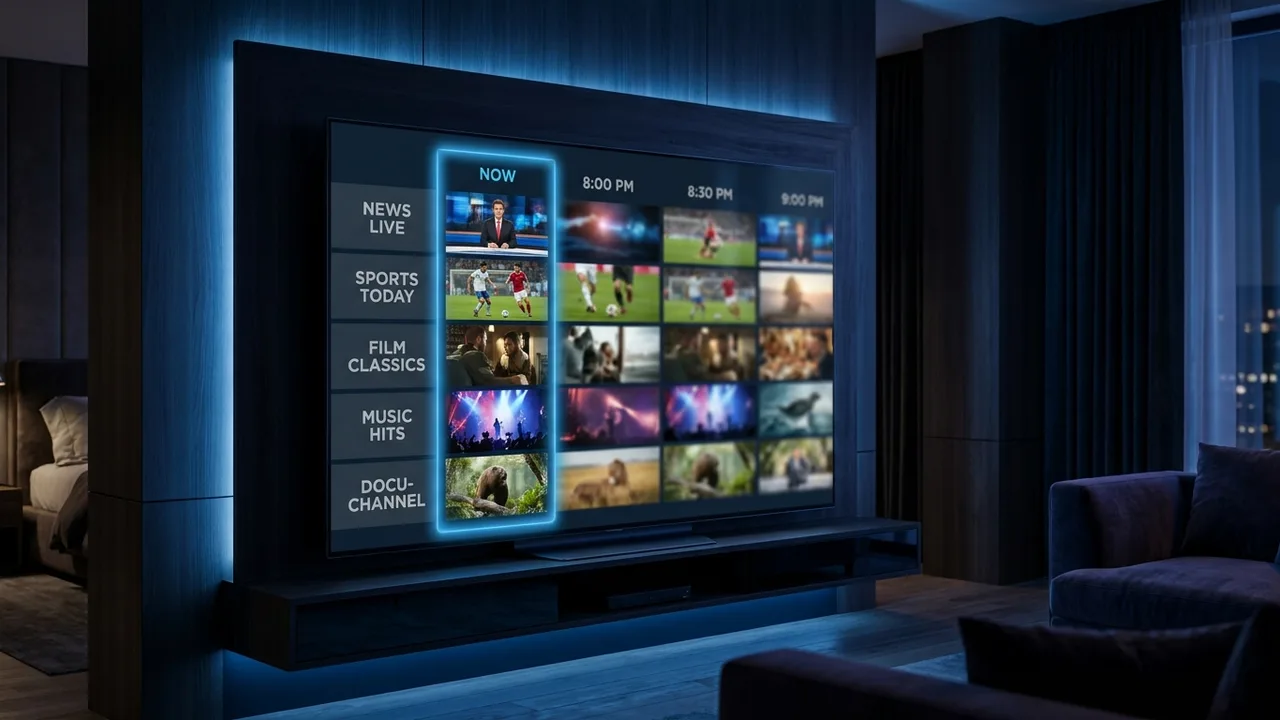
Mostly no — and mostly you don't need to. The two apps almost everyone uses, TiviMate and IPTV Smarters Pro, have no "record" button: they play a stream, they don't capture it to storage. What replaces recording for most people is catch-up (timeshift) — a rolling 1–7 day replay window built into the channel itself. It covers the vast majority of "I missed it, can I watch it later" moments without a single recording ever happening.
- Standard IPTV apps don't record. TiviMate and Smarters Pro are players, not DVRs.
- Catch-up does the job instead — replay the last 1–7 days straight from the TV guide, no setup.
- Only a few dedicated Enigma2/Dreambox boxes can record to a USB drive, and that's the box's own software, not the subscription.
Why most IPTV apps skip recording
A DVR needs somewhere to write the file — storage on a box, a NAS, or a phone. Most IPTV setups run on a Fire Stick, an Android box, a Smart TV app or a phone: devices with little spare storage and, on iOS/Fire OS, tight sandboxing that stops apps writing large background files at all. Building real recording into TiviMate or Smarters would mean managing storage limits, partial recordings when a stream drops, and support tickets about disk space — for a feature catch-up already solves at the server side. Most developers simply didn't build it, and most providers don't ask for it.
Catch-up vs recording vs VOD
| Feature | Where it lives | Setup needed | Time window |
|---|---|---|---|
| Recording (DVR) | Local storage on your box/NAS | Schedule in advance | Whatever you capture |
| Catch-up / timeshift | Provider's servers, per channel | None — scroll back in the guide | 1–7 days, channel-dependent |
| VOD library | Provider's on-demand library | None | Permanent, 60,000+ titles |
Recording is something you do ahead of time. Catch-up is something the channel already did for you. That's the whole difference.
Catch-up covers roughly 80% of what people ask "can I record this" for. Missed last night's match, a series episode, or the news? Scroll backwards on the EPG and it's there — no scheduling, no storage, no missed recordings because the box was off.
How to use catch-up instead of recording
- Open the guide (EPG) on a channel that carries catch-up — national broadcasters and major sports channels usually do; check ours via the EPG setup guide if the guide looks empty.
- Scroll left/back past "now" — programmes marked as replayable will show an icon or a highlighted background, depending on the app.
- Press play — it streams exactly like a VOD title, with pause, rewind and fast-forward, from wherever you started it.
TiviMate marks catch-up shows directly in the guide and is the smoothest for this; set it up with our TiviMate setup guide. IPTV Smarters Pro gives each channel its own catch-up list and covers more platforms — see the Smarters Pro guide.
The rare cases where real recording exists
A small category of hardware genuinely can record: dedicated Enigma2/Dreambox-style boxes run their own PVR software and can write a live stream to an attached USB drive or network share, complete with scheduling. This is a feature of the box's firmware, not of the IPTV subscription behind it — the same box would record a satellite feed the same way. If you already own one, our Enigma2 setup guide covers getting IPTV running on it; the recording function is configured separately in the box's own menu.
For everyone else — Fire Stick, Android box, Smart TV app, phone, Apple TV — there is no reliable, app-level way to record IPTV, and third-party "screen recorder" tricks are unreliable, illegal in most jurisdictions for broadcast content, and unnecessary once catch-up does the same job.
Frequently asked questions
Can I record IPTV like a normal DVR?
Most IPTV apps (TiviMate, IPTV Smarters Pro) have no built-in "record" button — they are players, not recorders. A handful of dedicated Enigma2/Dreambox-style boxes can record to a USB drive using the box's own software, independent of the subscription.
What is the difference between catch-up and recording?
Recording means you (or a box) capture a programme while it airs so you can watch it later. Catch-up means the channel itself keeps a rolling replay window — usually 1–7 days — that you scroll back to in the guide. No storage, no scheduling, nothing to set up.
Does catch-up work on every channel?
No — it is a channel-by-channel feature. Major national and sports channels commonly carry several days of replay; many smaller international channels carry none. Our EPG & catch-up page explains how to check before you buy.
Can I record a live match to watch highlights later?
If the channel supports catch-up, yes — scroll back in the guide after the final whistle and start from minute one, or jump straight to the closing minutes. That covers the "watch it later" use case for the vast majority of viewers without any recording at all.
You almost certainly can't record IPTV in the traditional DVR sense on the app you're using — and you almost certainly don't need to. Catch-up already keeps the last few days of a channel ready to replay, no storage or scheduling involved. Check our full catch-up & EPG guide before you buy to confirm which of your channels carry a replay window.