How to transfer IPTV between devices
 By Yanis Moreau, IPTV & Streaming Editor Last updated
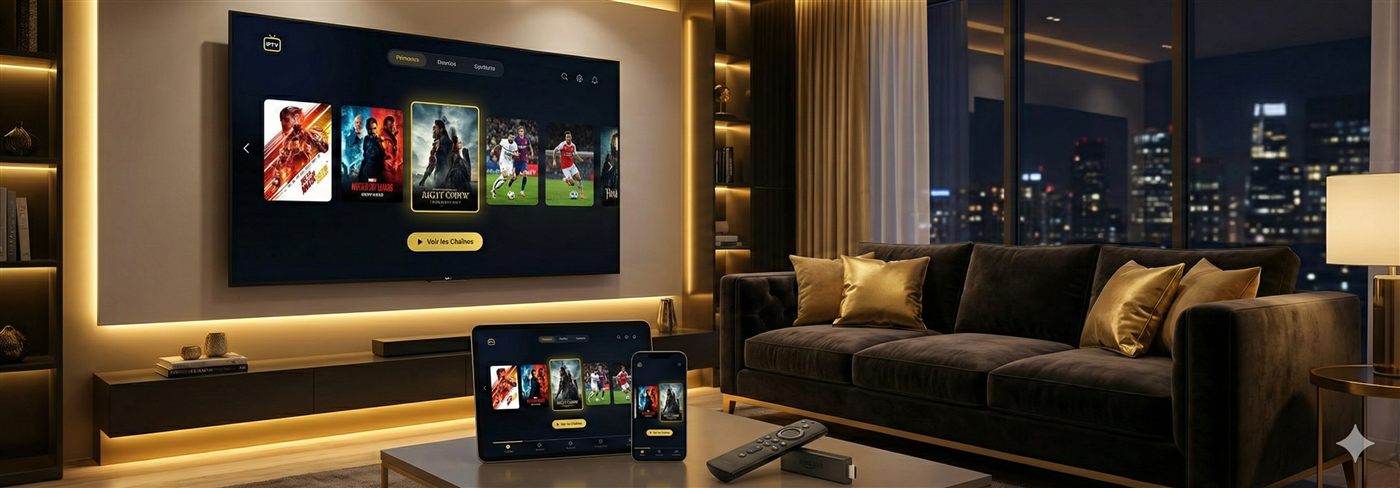
Good news: there's nothing to "transfer". Your IPTV subscription is a login (an M3U URL or Xtream account), not an installation — a new device just needs a player app and those credentials, and your channels reappear in five minutes. Here's every common move: iPhone to Android TV, VLC to TiviMate, old TV to new TV.
- The subscription lives in the login, not the device — nothing is lost by switching.
- Universal method: install a player → paste your M3U URL or Xtream credentials.
- Favourites stay in the old app — allow ten minutes to rebuild them.
The principle: a login, not an installation
Every subscription comes in two access formats — the M3U URL (a link containing your playlist; full explainer here) and Xtream Codes credentials (server + username + password). Any IPTV player on any device accepts one or the other. "Transferring" your IPTV = entering those on the new device. That's the whole trick.
Moving from a phone (VLC on iPhone) to an Android TV
- Get the M3U URL off the iPhone — in VLC: Network → recent streams, long-press to copy the URL. Even easier: take it from your provider's WhatsApp message.
- Send it to yourself — email, shared notes or a message: the goal is to paste it from the TV.
- Install a proper TV player on the Android TV — TiviMate or IPTV Smarters: far nicer than VLC on a television (EPG guide, zapping, favourites).
- Paste the URL as a new playlist — the app downloads channels and the guide; allow a minute on first load.
- Set quality and favourites — and wire the TV with Ethernet if you can: see the full Android TV guide.
The other common moves
| From → to | Easiest method | Time |
|---|---|---|
| Phone → Smart TV | Xtream login in the TV app (Samsung · LG) | 5 min |
| Old TV → new TV | Same app, same login — nothing else | 5 min |
| VLC → TiviMate (same device) | Paste the M3U URL or Xtream account into TiviMate | 3 min |
| Living-room TV → holiday Fire Stick | The stick remembers your login — IPTV on holiday | 0 min |
| Android → iPhone / iPad | Smarters or IBO on iOS, Xtream login | 5 min |
Prefer Xtream over M3U where the app offers it — three short fields beat one long URL on a TV remote, VOD menus come better organised, and new channels arrive without re-importing. Full comparison: M3U vs Xtream Codes.
Never share your access to "transfer" it — the M3U URL embeds your personal credentials. Lending it lends your connection (and eats your simultaneous screens). To run several household devices at once, what you want is multi-connection.
Frequently asked questions
How do I transfer my IPTV to a new device?
Your subscription is a login, not an installation: install an IPTV player on the new device, enter your Xtream credentials (or paste your M3U URL), and your channels appear. There is nothing to "move" — five minutes covers it.
How do I move an IPTV URL from VLC on iPhone to an Android TV?
Copy the M3U URL from VLC on the iPhone (or grab it from your provider's message), send it to yourself by email or shared notes, then open TiviMate or IPTV Smarters on the Android TV and paste it as a new playlist. Channels and the TV guide load automatically.
Do I lose my favourites when I switch devices?
Favourites and settings live in the app, not in the subscription — they don't follow automatically. Rebuild them on the new player (ten minutes), or use the same app on both devices if it offers sync.
Can I keep the old device active too?
Yes, within your plan's connection limit: Silver = 1 screen at a time, Gold = 2, Diamond = 3. Your login works on any number of devices — it's simultaneous playback that's limited.
What about switching players (VLC to TiviMate) on the same device?
Same principle: enter the M3U URL or Xtream login in the new app. Prefer Xtream where the app supports it — cleaner VOD menus and channel updates arrive without re-importing.
I lost my M3U URL — what now?
Message us on WhatsApp: we resend your access (M3U URL and Xtream login) within minutes. Never pick up a "replacement" URL from a forum — an unknown playlist means unknown servers.
Switching devices costs nothing and breaks nothing: your channels live in your login, not in hardware. New player, same access, five minutes. Lost credentials or a stubborn app? Message us on WhatsApp — we resend your access and stay in the chat until the picture is on.