The best IPTV for Smart TV: Samsung, LG & Android TV
 By Yanis Moreau, IPTV & Streaming Editor Last updated
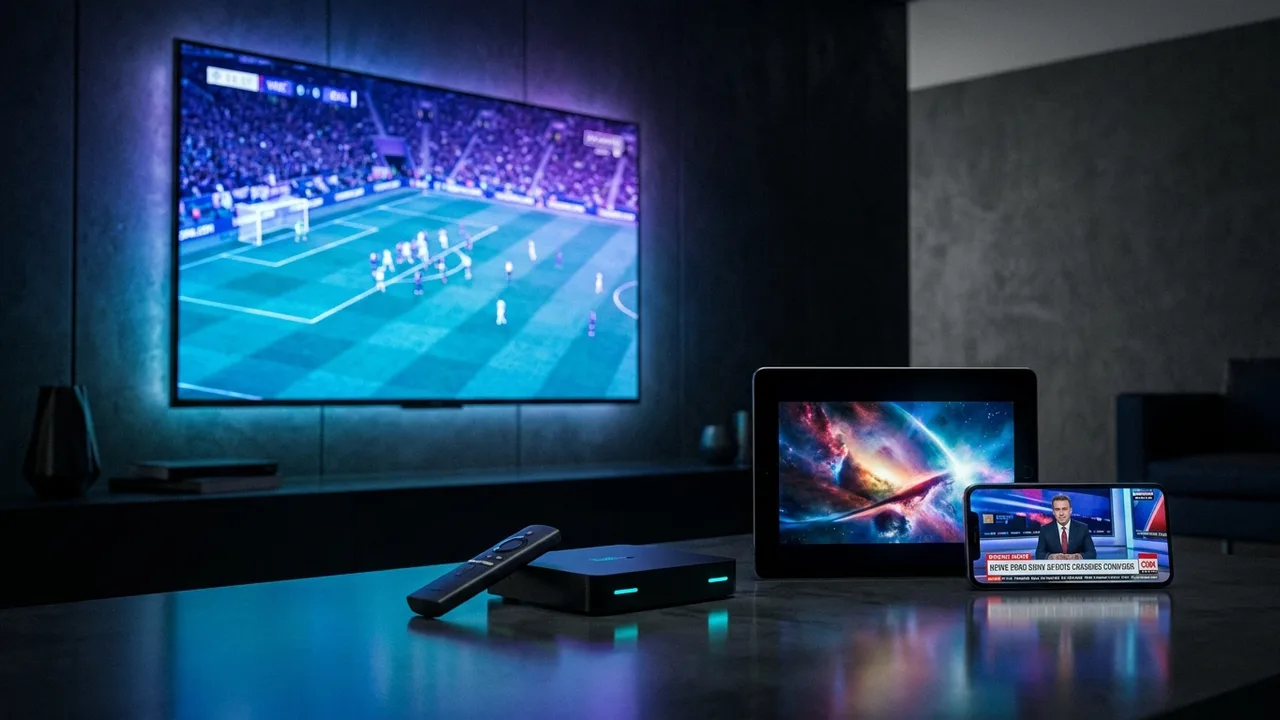
The best IPTV for a Smart TV isn't one answer — it depends on your TV. Samsung (Tizen) and LG (webOS) run IPTV apps straight from their built-in store; Android TV runs the full range including TiviMate. What stays constant is the service behind them: stable at peak, channels confirmed before payment, honest price. Here's how to choose the service, the right app for your TV, and set it up with no extra hardware.
- Your recent Smart TV already runs IPTV — Samsung/LG native apps, Android TV the full range.
- The service decides quality — peak-time stability + confirmed channels, not the TV brand.
- No hardware to buy if the TV is ~2019+; otherwise a €45 stick fixes it.
Best IPTV app by TV system
| Your TV | Best app | Setup guide |
|---|---|---|
| Samsung (Tizen) | IPTV Smarters / Smart IPTV / IBO | Samsung guide |
| LG (webOS) | IPTV Smarters / IBO Player | LG guide |
| Android TV / Google TV | TiviMate (best) or IPTV Smarters | Android TV guide |
| Older / no app support | Any — via a Fire TV Stick | Fire Stick guide |
On LG and Samsung the app comes from the built-in store; on Android TV from the Play Store. Full picks in the best IPTV app comparison.
Choosing the service (what actually decides quality)
- Peak-time stability — a big-screen TV makes buffering obvious; demand servers sized for 9pm (the 7 criteria).
- Channels confirmed before payment — your list, verified in writing.
- Both login formats — M3U + Xtream, so your TV's app works whichever it prefers.
- Honest price & written refund — real euro pricing, refund policy in writing.
No stick required for most people If your Samsung, LG or Android TV is from about 2019 on, you install the app, enter your login, and you're watching — nothing else to buy. Already set up on a phone? Moving it to the TV takes five minutes.
Frequently asked questions
What is the best IPTV for a Smart TV?
The best IPTV for a Smart TV is the service that runs on your TV's app store and stays stable at peak time. Samsung (Tizen) and LG (webOS) run apps like IPTV Smarters natively; Android TV runs the full range including TiviMate. The service — confirmed channels, peak-time servers, honest price — matters more than the brand of TV.
Do I need an extra device for IPTV on my Smart TV?
Usually not. A Samsung, LG or Android TV from roughly 2019 onward runs an IPTV app directly — no stick, no box. You only need a Fire TV Stick if the TV is old, slow, or won't install your preferred player.
What is the best IPTV app for LG and Samsung TVs?
On LG (webOS) and Samsung (Tizen): IPTV Smarters Pro or Smart IPTV / IBO Player from the built-in store. On Android TV you also get TiviMate, the smoothest for live sport. Our setup guides cover each TV step by step.
Will IPTV work on my older Smart TV?
If the TV can install apps and connect to the internet, usually yes — though very old models can be slow. If your TV won't run a modern IPTV app, a €45 Fire TV Stick turns it into a fast IPTV TV instantly.
How much is IPTV for a Smart TV?
The subscription is identical on every device — from €4.92/month billed yearly, all channels included. No hardware to buy if your Smart TV is recent.
Is IPTV on a Smart TV stable for sport?
As stable as the service and your connection. Wire the TV with Ethernet where you can, keep it above 10 Mbps (25 for 4K), and pick a provider with peak-time capacity — see best IPTV for sports.
The best IPTV for a Smart TV is the best service, played through your TV's own app — Samsung and LG native, Android TV via TiviMate, no extra hardware if the set is recent. Get the service right (confirmed channels, peak-time servers, written refund) and your Smart TV needs nothing more. Send your channel list to get started.