What is IPTV and how does it work?
 By Yanis Moreau, IPTV & Streaming Editor Last updated
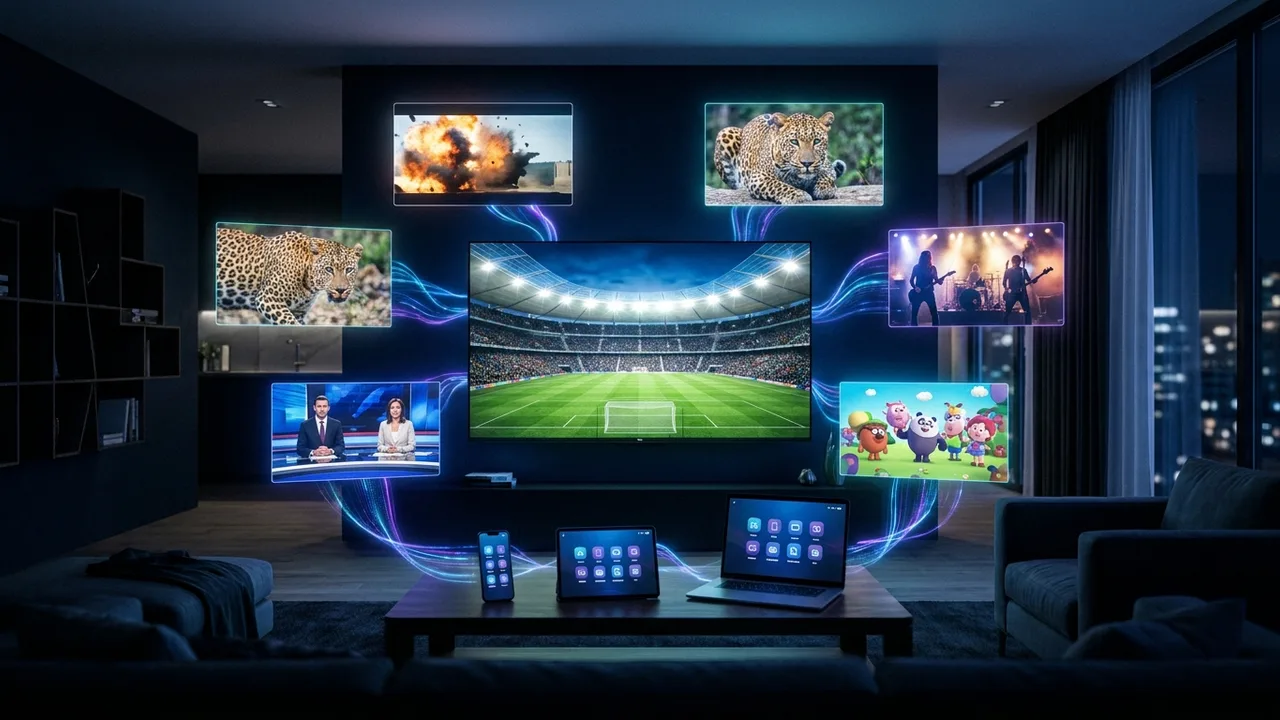
IPTV (Internet Protocol Television) delivers live TV channels and on-demand films and series over your internet connection instead of a satellite dish or cable line. Because it travels as ordinary internet data, it plays on almost any device you already own — a Smart TV, a Fire Stick, a phone or a computer.
How IPTV works, step by step
Traditional TV broadcasts one signal to everyone at once. IPTV instead sends each channel to your device on request, as a stream of data. In practice, four pieces work together:
- A source of channels — the provider's servers hold the live channels and on-demand library.
- A playlist or login — your subscription is an M3U link or an Xtream Codes username, password and server URL that points your app at those channels.
- A player app — software such as IPTV Smarters or TiviMate that reads the playlist and shows the channels and TV guide.
- Your internet connection — carries the stream to your device in real time.
When you press a channel, your app opens that stream and plays it. A built-in electronic programme guide (EPG) shows what's on now and next, just like a normal TV guide.
What you get with IPTV
| Content type | What it means |
|---|---|
| Live TV | Channels that play to a schedule — sport, news, entertainment, kids and international. |
| Video on demand (VOD) | An on-request library of films and series you start whenever you like. |
| Catch-up / timeshift | Rewind or replay recent programmes on channels that support it. |
| EPG | An on-screen TV guide for planning around fixtures and shows. |
What you need to watch
Getting started is straightforward — no dish, no engineer visit:
- A device — a Smart TV, Fire Stick, Android box, Apple TV, phone or computer.
- An app — a player like IPTV Smarters or TiviMate (see the best IPTV app).
- A subscription — your Xtream Codes login or M3U link.
- A stable connection — see how much internet speed IPTV needs.
IPTV vs cable and satellite
| IPTV | Cable / satellite | |
|---|---|---|
| Delivery | Over the internet | Dish or cable line |
| Hardware | A device you likely own | Set-top box + install |
| Channels | Thousands, incl. international | Fixed regional packages |
| On-demand | Large VOD library included | Limited or extra cost |
| Contract | Flexible subscriptions | Often long contracts |
For a fuller breakdown, read IPTV vs cable & streaming and is IPTV worth it?
Choosing a provider you can trust
IPTV as a technology is used by plenty of mainstream, licensed services. The variable is the provider. A reputable one has a real website and identity, transparent pricing, and confirms the channels you want before you pay. Anything that hides who's behind it or looks too cheap to be true deserves caution — our guide to avoiding IPTV scams lists the warning signs.
Frequently asked questions
What does IPTV stand for?
IPTV stands for Internet Protocol Television. Instead of a satellite dish or a cable line, the TV signal is delivered as data over an internet connection, which is why it plays on almost any connected device.
How is IPTV different from streaming apps?
The underlying technology is similar — both send video over the internet. The difference is packaging: mainstream streaming apps offer their own on-demand catalogue, while an IPTV service bundles many live TV channels plus an on-demand library into one app with a TV guide.
What do I need to watch IPTV?
Four things: a connected device (Smart TV, Fire Stick, Android box, phone or computer), an IPTV player app, a subscription (an Xtream Codes login or M3U link), and a stable internet connection — roughly 10 Mbps for HD and 25 Mbps for 4K.
Is IPTV legal?
IPTV is a delivery technology used by many mainstream, fully licensed services — it is legal in itself. What matters is choosing a reputable provider. If an offer looks too cheap to be true or hides who is behind it, treat that as a warning sign.
Does IPTV work on any TV?
Effectively yes. A modern Smart TV runs an IPTV app directly; an older TV just needs an inexpensive Fire Stick or Android box plugged into an HDMI port.
Ready to try it on your own connection? See our IPTV plans or message us and we'll confirm your channels first.