IPTV TV guide (EPG) not showing? How to fix it
 By Yanis Moreau, IPTV & Streaming Editor Last updated
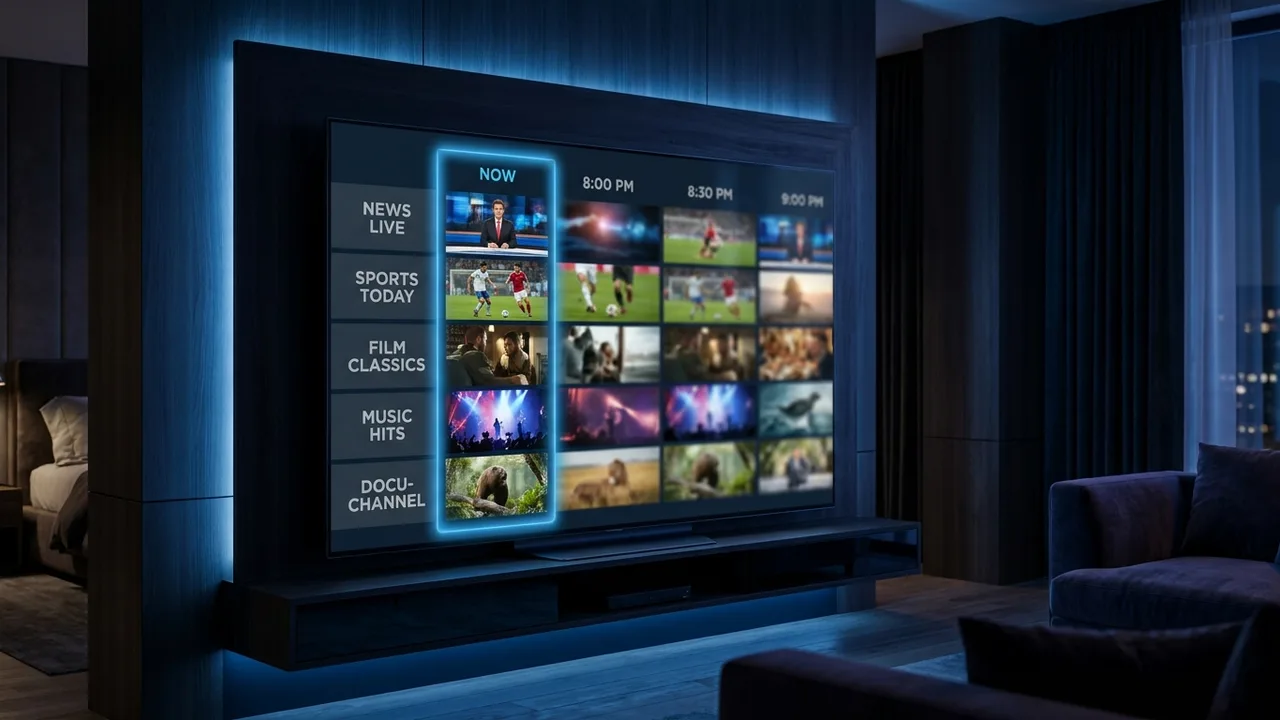
A blank or wrong TV guide (EPG) is nearly always one of three things: the EPG URL isn’t set, the guide is still downloading, or your device’s clock/timezone is wrong. Work through the fixes below in order and it usually comes back in a couple of minutes.
- Set the EPG URL in your player — no XMLTV link means no guide.
- Force a refresh and let the guide finish downloading (can take a minute).
- Wrong times? Fix your device clock/timezone, then refresh.
Work through these in order
- Check the EPG URL is set — in your player (TiviMate, Smarters, Kodi’s PVR Simple Client, etc.), make sure your provider’s XMLTV EPG link is entered. No URL, no guide.
- Force an EPG refresh — use “Refresh EPG” or clear the EPG cache in settings, then let it re-download.
- Fix the device time & timezone — a wrong clock shifts every programme. Set the correct timezone and turn on automatic time.
- Give it time — a large guide can take a minute to load the first time. Don’t interrupt it.
- Restart the app — fully close and reopen the player after refreshing.
Guide still empty on some channels?
If most channels have a guide but a few say “No information”, those channels’ IDs may not match the EPG source. That’s on the provider’s side to map — message us and we’ll correct it. With a reliable IPTV subscription, a full, correct EPG is part of the service.
Good to know
- Some players only refresh the EPG once a day by default — a manual refresh forces it now.
- Catch-up / replay relies on the EPG, so fixing the guide often restores catch-up too.
- Still stuck? Our buffering guide covers the other common IPTV issues.
Frequently asked questions
Why is my IPTV TV guide (EPG) not showing?
Usually the EPG URL isn’t set in your player, the guide is still downloading, or your device clock/timezone is wrong. Add the EPG URL, force a refresh, and check the device time — that fixes it in most cases.
How do I refresh the EPG on IPTV?
In your player’s settings, use “Refresh EPG” or clear the EPG cache, then restart the app. It re-downloads the guide. On a large channel list this can take a minute — let it finish.
Why is my IPTV guide showing the wrong times?
Almost always a device timezone or clock issue. Set the correct timezone (and enable automatic time) on the device, then refresh the EPG and the programmes line up.
A blank EPG is almost always the URL, a mid-download, or the clock. Work the three fixes in order and it comes back. Still stuck? Message us — we'll send your correct EPG link and check your channel mapping.