Can you use IPTV without a Smart TV? Yes — here’s how
 By Yanis Moreau, IPTV & Streaming Editor Last updated
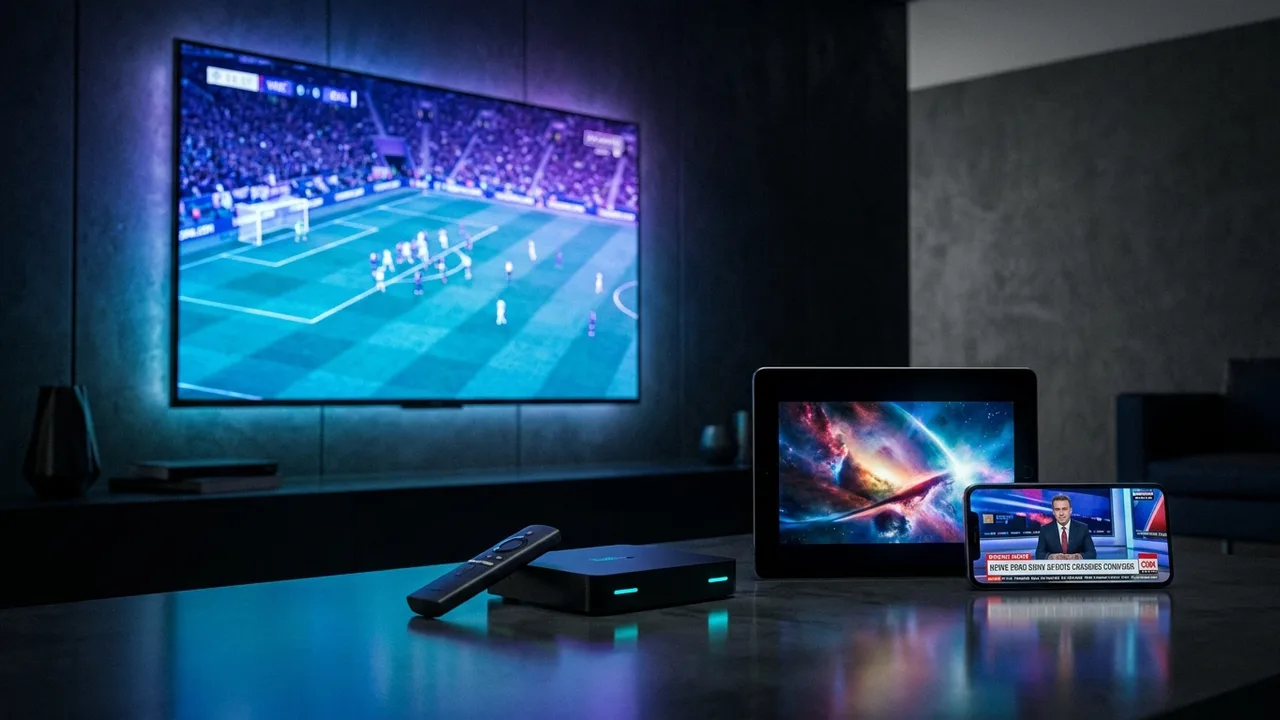
You don't need a Smart TV for IPTV — you need a screen and an internet connection. Any TV with an HDMI port becomes an IPTV television with a ~€45 stick, and phones, laptops and projectors work with zero extra hardware. Here are the five ways, from cheapest to most comfortable.
- Any HDMI TV + Fire TV Stick (~€45) = a Smart TV for IPTV purposes.
- Phone, tablet, PC or Mac work with no hardware at all — good for testing first.
- Same subscription on every option — start cheap, upgrade the hardware whenever.
The 5 ways, compared
| Option | Cost | Feels like | Guide |
|---|---|---|---|
| Fire TV Stick in any HDMI TV | ~€45 | A real Smart TV — remote, apps, 4K | Fire Stick setup |
| Android TV box | €60–120 | The most powerful living-room setup | Android box setup |
| MAG / Formuler box | €90–180 | Classic channel-zapping television | MAG setup |
| PC or Mac | €0 | TV at your desk; great for testing | PC & Mac setup |
| Phone / tablet | €0 | TV in your pocket, cast when needed | Smarters app setup |
The €0 test drive Before buying any hardware, run the subscription on your phone or laptop for a week. If the streams are smooth on your connection, buy the stick with confidence — the login simply moves over.
Which one should you pick?
- Old TV in the living room → Fire TV Stick. Done. It's the answer for 8 in 10 people.
- You want maximum power (heavy VOD, gaming, emulation) → a quality Android box.
- You miss old-school channel surfing → Formuler/MAG; the interface is built purely for live TV.
- Bedroom / kitchen / office → phone, tablet or PC covers casual screens for free.
- Projector cinema → stick straight into the projector's HDMI; sport on a 100-inch wall.
Skip the no-name €25 boxes. Ancient Android versions, laggy menus, zero updates. Between a bargain box and a Fire Stick, the stick wins every time — and never buy hardware with a "lifetime subscription" bundled in.
Frequently asked questions
Can I use IPTV without a Smart TV?
Yes, easily. Any TV with an HDMI port works: plug in a Fire TV Stick (~€45), an Android box or a MAG/Formuler box and it becomes a full IPTV television. Phones, tablets, PCs and projectors work too.
What is the cheapest way to watch IPTV on an old TV?
A Fire TV Stick on offer (often ~€30–45) is the cheapest good option — it adds every major IPTV app to any HDMI TV. Cheaper no-name boxes exist but are usually slow enough to regret.
Does IPTV work on a very old TV without HDMI?
If the TV only has SCART/AV, an HDMI-to-AV converter (~€15) technically works but limits quality; at that point a second-hand HDMI TV is usually the better spend.
Can I watch IPTV on just my phone or laptop?
Absolutely — many customers start exactly that way to test the service before buying any hardware. The same login later moves to a stick or box when you're ready.
A Smart TV was never the requirement — HDMI is. A €45 stick upgrades any TV you already own, and your phone or laptop lets you test the whole service before spending a cent on hardware. Tell us what's plugged into your TV corner and we'll point you to the right setup.