How to watch IPTV on Roku
 By Yanis Moreau, IPTV & Streaming Editor Last updated
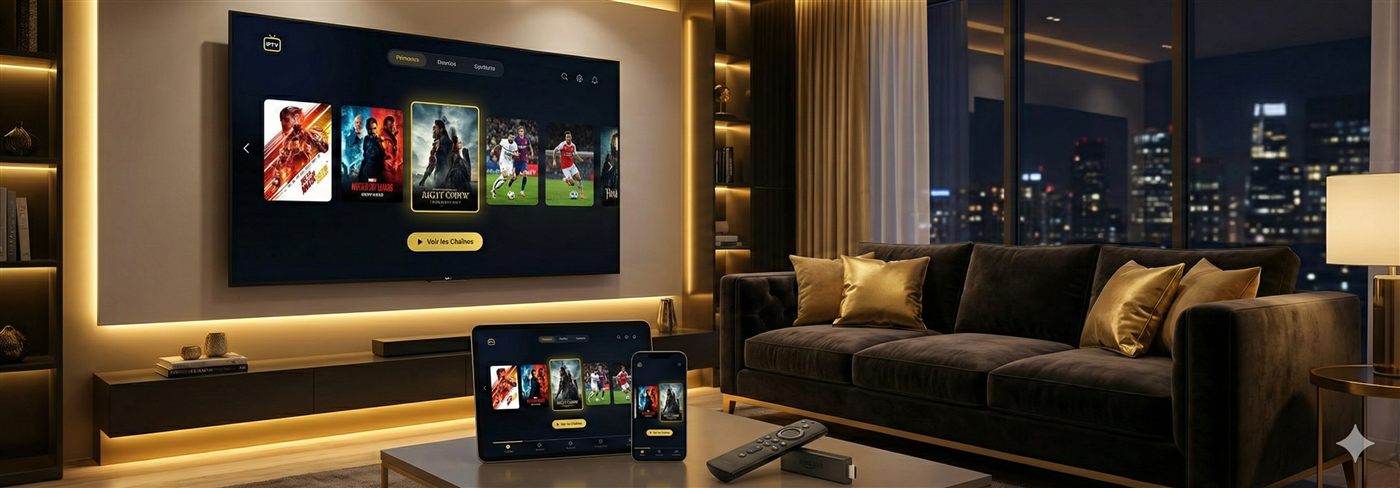
Honest answer first: Roku is the most restrictive device for IPTV. Roku doesn’t allow the popular IPTV players (TiviMate, IPTV Smarters and similar) in its channel store, so there’s no clean one-app setup like on Fire Stick or Android. Your realistic options are screen mirroring from a phone/PC, or a limited Roku-store player. If you don’t already own a Roku, a Fire Stick or Android box is a far better and inexpensive choice.
Option 1 — Screen mirror from your phone or PC (most reliable)
- Install an IPTV player on your Android phone (e.g. IPTV Smarters) or use a player on your Windows/Mac computer and add your subscription.
- On Roku, enable Settings → System → Screen mirroring.
- From your phone/PC, cast the screen to the Roku and start playback in your IPTV app.
Mirroring works but depends on your Wi-Fi; a wired setup on the source device is smoother.
Option 2 — A Roku-store IPTV player (limited)
A few basic M3U players appear in the Roku Channel Store from time to time, but availability changes and features are limited (often no proper EPG). If you want to try one, tell us your Roku model on WhatsApp and we’ll suggest a current option — and the M3U link to use.
Better option — a cheap streaming device
For the smoothest IPTV on any TV, a Fire Stick or Android TV box costs little and runs the best players (TiviMate, IPTV Smarters) natively — no mirroring, full guide and VOD. Many customers keep the Roku for its own apps and add a Fire Stick for IPTV.
Frequently asked questions
Is there an official IPTV app for Roku?
Not the popular ones. Roku’s store restricts most IPTV players, which is why mirroring or a second device is the practical route.
Will IPTV ever work natively on Roku?
It can change, but today Roku is the weakest device for IPTV. We’ll always recommend the option that actually works well for you.
What’s the cheapest good alternative?
A Fire Stick — inexpensive, and our Fire Stick guide gets you running in about ten minutes.
Whatever device you choose, you just need a reliable IPTV subscription — message us and we’ll recommend the smoothest setup for your TV.